

A cruise ship is a floating city with its own phone network, and your phone will happily join it without asking. The result is a bill that arrives weeks after the tan has faded.
Most of these charges are preventable with a few settings and some planning.The habits below cover phones, laptops, apps, and the fine print on ship internet plans. None of them require giving up the internet.
They just keep it on your terms.
Turn Off Cellular Data and Data Roaming Before Sailing

The single most protective move is to switch off cellular data and data roaming in your phone settings before the ship leaves the dock. Once the ship is at sea, any cellular signal your phone finds may come from the ship itself, with calls, texts, and data transmitted over satellite.
Carriers may bill this as maritime roaming, which can be far more expensive than ordinary land-based service. Doing this at the pier, while a normal signal still works, takes about 30 seconds. Skipping it is how a day of casual scrolling turns into a surprise line item.
Use Airplane Mode, Then Turn Wi-Fi Back On
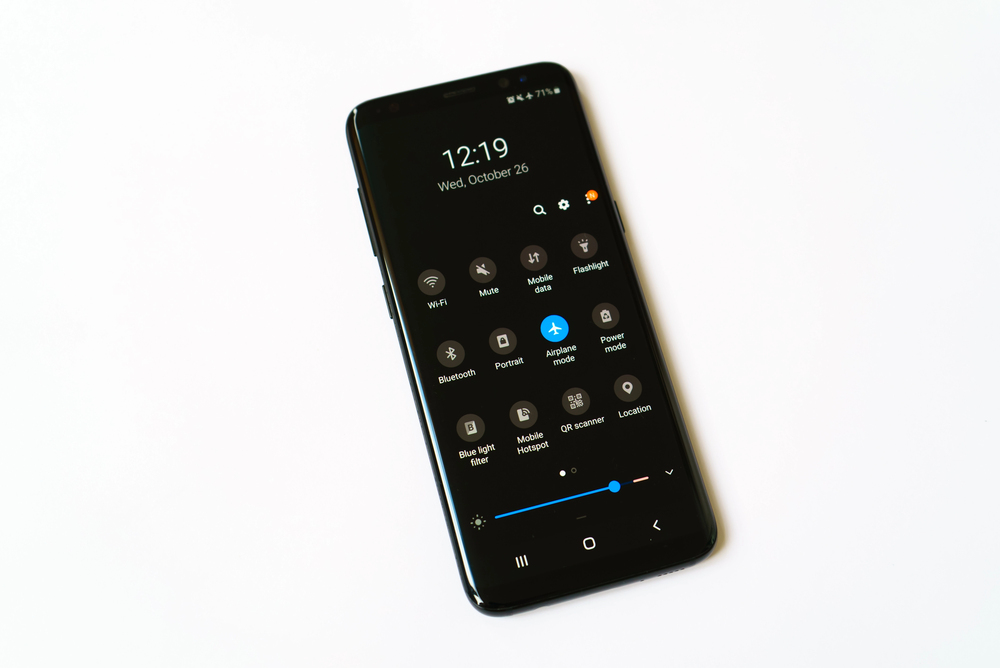
Airplane mode shuts down cellular connections at once, which is more reliable than hunting through menus. After enabling it, you can switch Wi-Fi back on manually, and the phone will stay off the ship’s cellular network while still reaching the onboard Wi-Fi.
Both iPhone and many Android phones allow Wi-Fi to be used while airplane mode is enabled, and some remember that setting. It is the closest thing to a safety lock that a phone offers.
Understand What Cellular at Sea Actually Is

Many ships carry maritime cell service marketed under names such as Cellular at Sea, which makes a phone behave as though it has connected to a roaming network. The ship’s network may appear in your carrier list with an unfamiliar name instead of your usual provider.
Carriers then pass along maritime roaming rates, which can be far steeper than the same activity on land. A phone showing full bars in the middle of the ocean is not good news; it is a warning.
Pick Your Network Manually
Phones are designed to connect to whichever network is strongest, and at sea that may be the ship’s. Turning off automatic network selection may help prevent your phone from joining an unfamiliar network, but the setting varies by device and does not replace airplane mode as the safest way to avoid maritime roaming.
Without airplane mode, your phone may still search for and connect to available networks. It is an extra precaution, not a guaranteed block.
Disable Background App Refresh

Apps constantly check in with their servers, even when the screen is dark, and every check uses data. On iPhone, Background App Refresh can be turned off for every app under General settings, and on Android, restricting background data can serve a similar purpose.
On a limited or usage-restricted plan, that silent chatter can consume resources before you even begin browsing. Turning it off keeps your connection focused on things you actually chose to do.
Pause iCloud and Google Photos Backups

Phones configured to back up photos automatically will begin uploading every sunset and buffet picture the moment they find a connection. A week of vacation photos and videos can run to many gigabytes, which is a lot to push through a satellite link.
Pause iCloud Photos or Google Photos backup before boarding and resume it on home Wi-Fi. The pictures will be exactly as good when they upload a week later.
Switch Off Automatic App and System Updates
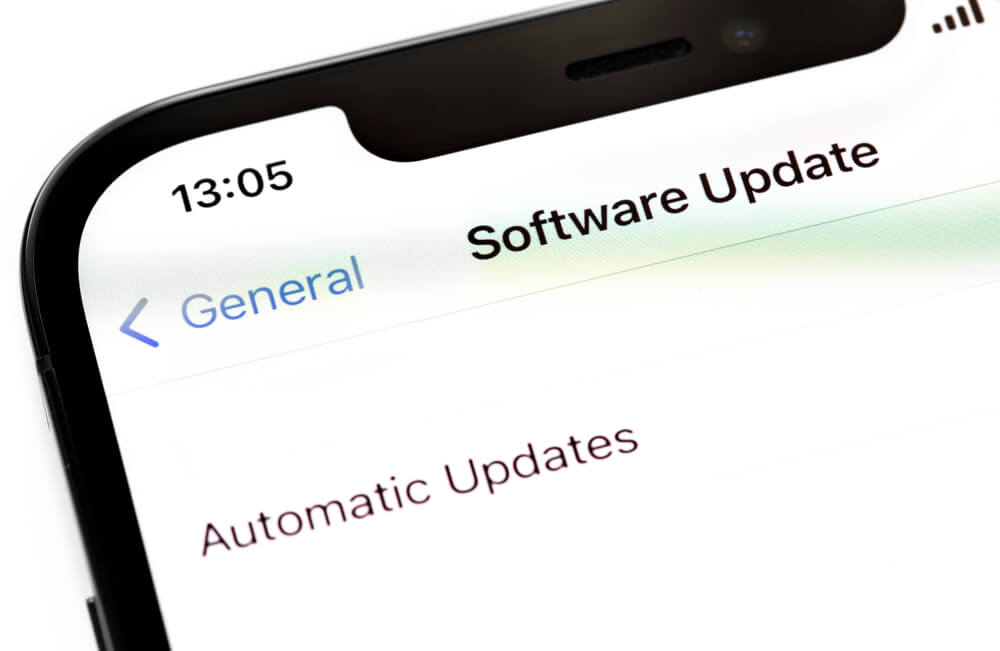
App stores and operating systems are built to download updates whenever a network appears, and a ship’s Wi-Fi counts. A single large update can consume more data than a day of normal browsing.
Disable automatic updates for apps, games, and the operating system itself before boarding. Laptop owners can mark the ship connection as metered in Windows or enable Low Data Mode on supported Macs, which helps hold back large downloads until a better network turns up.
Download Offline Maps Before Departure
Google Maps and Apple Maps both let you save regions for use without any connection, and the map keeps working once the signal is gone. Port days are when people burn data hunting for a pharmacy or a bus stop, usually on the most expensive connection available.
Downloading the city around each port at home costs nothing and takes a few minutes. The GPS dot can still work without data, since it receives signals from satellites rather than the internet.
Download Shows, Music, and Podcasts at Home
Streaming video over ship internet is one of the fastest ways to use a plan, because a single hour of high-definition video can consume several gigabytes, depending on the service and quality settings. Netflix, Disney+, Max, Spotify, and most podcast apps allow downloads for offline viewing, and that content plays fine in the cabin.
Load a few episodes and playlists before leaving, since downloads often require a strong connection to finish. A sea day with no streaming is a sea day with no data spent.
Compare Package Pricing Against Real Use

Cruise lines sell internet by the day or by the voyage, often in tiers that differ by speed, access, and how many devices connect. A traveler who only needs email twice a week does not need the premium streaming tier, while someone working remotely will find the cheapest tier unbearable.
Prices also change, and Carnival has raised its Wi-Fi rates more than once. Check the current price for your specific sailing before assuming last year’s figure still holds.
Remember That Faster Internet Is Not Cheaper Internet
Carnival Corporation has finished installing Starlink satellite service across its fleet, and the improvement in speed is real. Faster connections do not lower the price of a package; they only change how quickly you can use data or how much activity you can fit into a session.
With strong speeds, apps that seemed too slow to bother with suddenly work, and they quietly pull data. Better bandwidth rewards discipline rather than replacing it.
Check Which Ships Have the Newest Satellite Systems

Royal Caribbean has rolled out its Voom service across the fleet, and Holland America has installed Starlink on its ships. Other lines are in various stages, so a ship in the same fleet may offer a different experience from the one you sailed last year.
Slow connections can lead to more failed loads and retries, and retries may use data even when pages never appear. Look up the satellite system for your specific ship before choosing a plan.
Buy a Messaging-Only Plan If You Only Text
Several cruise lines sell an inexpensive tier meant for chat apps such as WhatsApp or iMessage, with no support for browsing or video. For travelers who simply want to tell family the ship has not sunk, it covers the actual need at a fraction of the cost of a full plan.
The restriction is also a feature, because streaming and uploads will not work. Read what the tier includes at checkout, since not all lines name or limit it the same way.
Know How Many Devices Your Plan Covers

Cruise internet is usually sold per device or per account, and the number of devices that can connect at once varies by line and by tier. A family with four phones, two tablets, and a laptop can easily end up paying for several plans without realizing it.
Some packages allow sharing across a small group, while others tie each login to one gadget. Counting devices before purchase, and logging out of the ones you are not using, prevents paying twice.
Log Out of Devices When You Finish
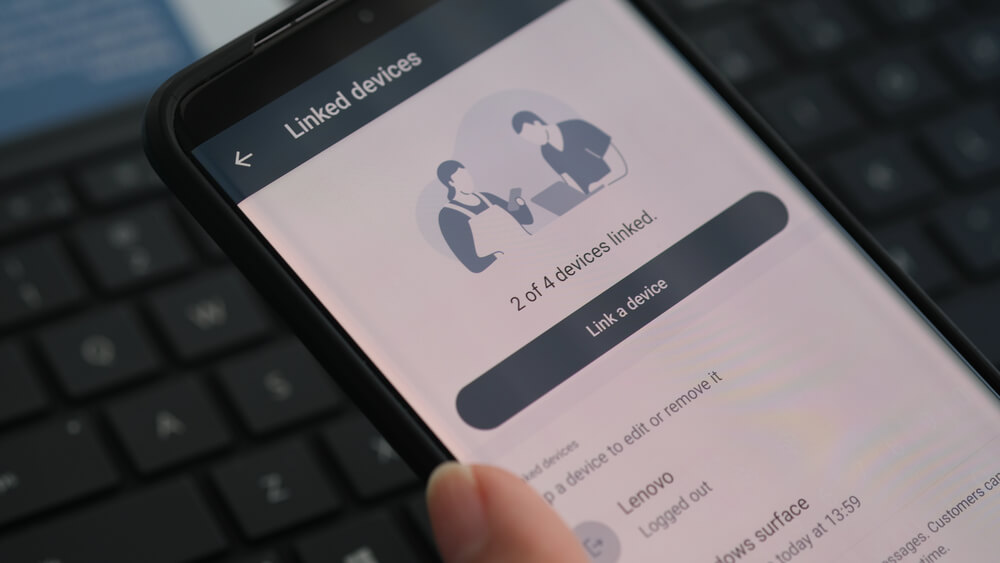
A logged-in device that stays connected can keep a session open and use data in the background, even when the phone is idle in a pocket. Some plans limit simultaneous connections, so a forgotten tablet in the cabin can block the phone you actually want to use.
Logging out of the ship’s portal when finished solves both problems. It is a small ritual that takes seconds and saves arguments in the hallway.
Lower Quality for Video Calls and Social Apps

Video calls at the highest resolution use data quickly, and social apps autoplay clips by default. Set video quality to standard in apps such as Instagram, TikTok, and YouTube, and turn off autoplay.
If a video call is essential, use audio only or save it for a port with a free café connection. A short voice chat tells your mother just as much about your trip as a high-definition one.
Turn On Low Data Mode or Data Saver

iPhone includes Low Data Mode and Android includes Data Saver, both of which reduce background activity and may lower the quality of media. The settings are buried a few menus deep, which is why most travelers never find them until after the bill arrives.
Enabling them on the ship’s Wi-Fi connection helps stretch a limited or usage-restricted plan. They will not replace the other habits, but they catch the leftovers.
Check the Rules Before Bringing Personal Satellite Equipment Aboard

Cruise lines may prohibit passengers from using personal satellite equipment, and some lines have specific restrictions on devices such as portable satellite terminals. These devices can interfere with ship systems or violate onboard policies.
The idea of avoiding ship Wi-Fi charges with your own dish sounds clever, but it could end with the equipment being confiscated. Check your cruise line’s prohibited-items list before packing one.
Use Free Wi-Fi in Port Instead of Roaming
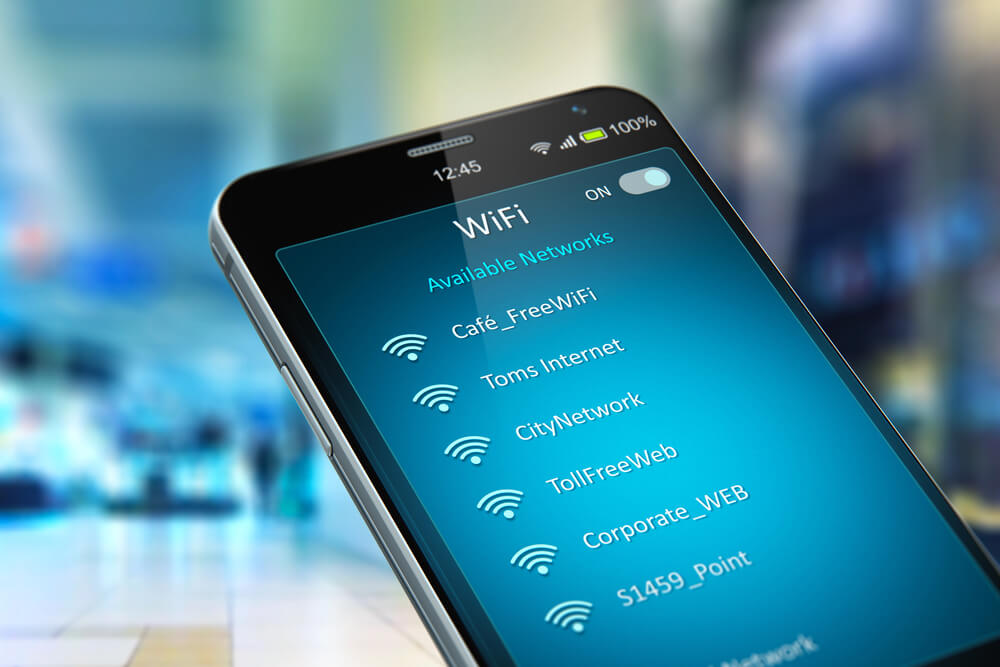
Many ports have cafés, terminal buildings, and public squares with free Wi-Fi, which costs nothing and bypasses both roaming and ship internet. Staying on those networks lets you upload photos and send long messages without touching a paid plan.
Be careful on public networks, and consider a VPN for anything involving banking or passwords. A cappuccino purchase is often all the admission fee required.
Buy a Local eSIM for Port Days
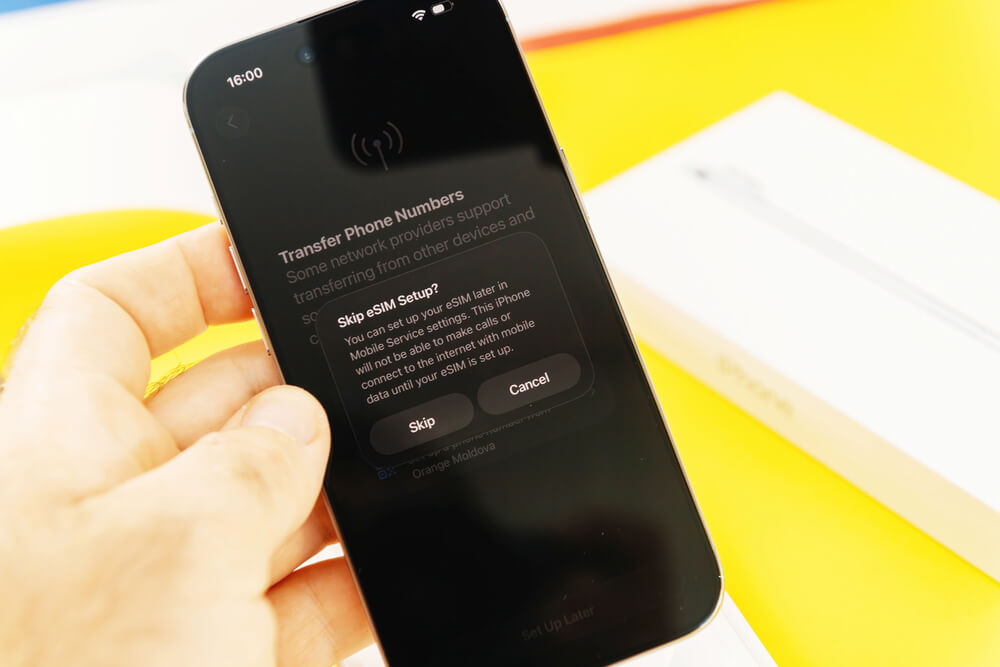
An eSIM from a local carrier or a travel provider gives data at local rates on land and can be installed before you leave home. A standard travel eSIM generally relies on land-based mobile networks, so it is not a substitute for ship Wi-Fi in open water; specialized cruise eSIMs are a separate option. Used properly, a local eSIM covers navigation and rideshare apps in port without relying on expensive roaming.
Keep your home SIM’s data roaming disabled, and use airplane mode while sailing to avoid accidentally connecting to the ship’s cellular network.
Ask Your Carrier About Cruise Plans
Major U.S. carriers sell cruise-specific passes or international day passes that cap the price of roaming on certain ships. These plans usually apply only on specific ships or networks, so confirm that your vessel is covered before relying on one.
Call or chat with your carrier before you leave and get the answer in writing. A pass that does not cover your ship is worth nothing once you leave port.
Set Usage Alerts and Spending Limits
Most carriers let customers set a usage alert or block roaming charges through their app or by phone. Placing a block on international data before the trip is the strongest version, as it makes accidental connections fail instead of billing.
Alerts at least warn you before the damage grows. A text arriving after the first accidental megabyte is far better than a statement arriving after the last.
Review Your Onboard Account Before Disembarking
Ship internet purchases land on the onboard account, along with everything else charged to the cabin card. Checking the account on the app or at guest services before the final night lets you catch duplicate purchases or plans bought by another family member.
Errors are far easier to fix while the ship is still sailing than after you are home. Screenshot the receipt for the package you bought, because a record settles disputes quickly.
Check Your Phone Bill After You Return
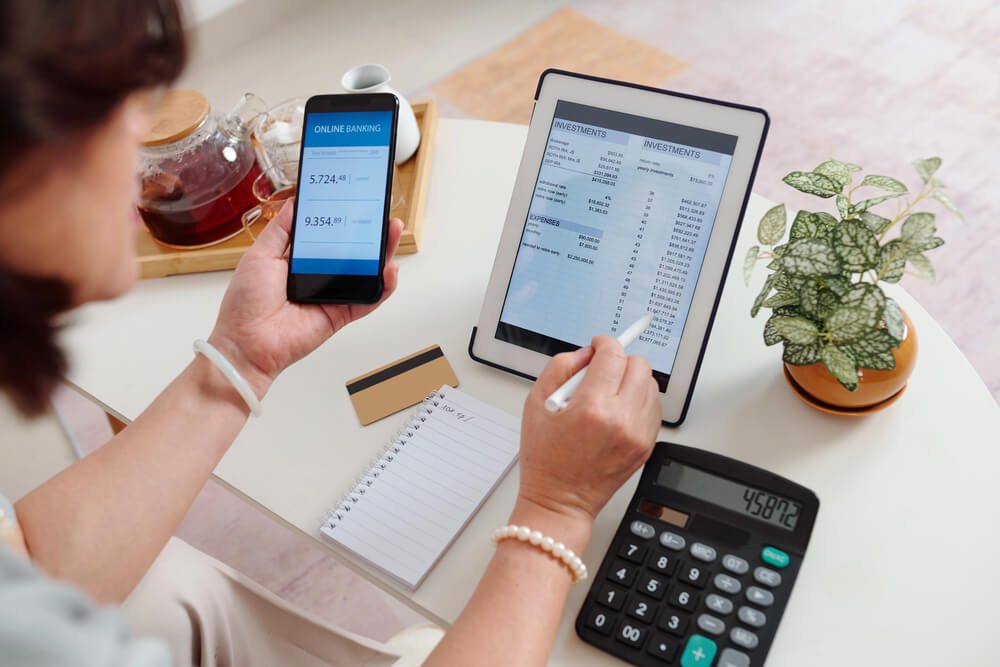
Roaming charges from a ship network can appear on a carrier bill days or even weeks after the trip. Reviewing the first statement after you return catches anything that slipped through, while a dispute is still fresh.
Carriers sometimes credit accidental maritime roaming if the customer asks promptly and explains. Waiting several months makes that conversation much harder.
The Cost of Staying Connected on Autopilot

Almost none of these charges come from deliberate choices. They come from phones doing what phones do, connecting, syncing, and updating without being asked, in a place where every one of those actions carries a premium.
The ocean is not a hostile environment for data, only an expensive one.The habits that work are boring, repetitive, and mostly done before the gangway lifts.
Settings changed in a driveway or a terminal protect the budget better than any bargain found at sea. A trip that ends with a clear bill and a few good photos counts as a success.
More from Travel Pug

- Underrated Italian Towns That Beat the Tourist Crowds
- Las Vegas Tourist Traps to Skip
- Prettiest Towns in Every US State
- 18 passport-free countries for Americans
- Signs Your Cruise Is Not Worth The Cost
Like Travel Pug’s content? Follow us on MSN.