

Travel used to mean folding paper maps wrong and hoping the hotel had availability when you showed up. Now there’s an app for nearly everything that goes wrong on a trip.
The challenge isn’t finding travel apps — it’s knowing which ones actually work when your phone battery is at 12%, and your flight just got canceled.
The best travel apps don’t just digitize what you could do before. They solve problems you didn’t know you had and work reliably when everything else falls apart.
Here are the ones that have earned permanent spots on travelers’ phones.
Google Translate
Point your camera at a menu in Bangkok and watch the Thai script turn into English in real time. Google Translate’s camera feature works offline too, which matters when data roaming costs more than your hotel room.
The conversation mode lets two people speak into the same phone in different languages. It’s clunky but functional when you need directions from someone who speaks zero English.
Offline Maps
Data disappears the moment you need it most. Offline maps don’t care about cell towers or roaming charges.
MAPS.ME downloads entire countries to your phone before you leave home. The interface feels like it was designed in 2012, but it works in the middle of nowhere when Google Maps shows nothing but a spinning wheel.
Citymapper handles public transit better than anything else, storing subway maps and bus schedules locally.
XE Currency
Exchange rates change daily, but your ability to do math in your head while jet-lagged does not improve. XE Currency works offline after downloading current rates, so you know immediately whether that street food costs two dollars or twenty.
The app saves recent conversions, which helps when you’re comparing prices across multiple vendors. No more accidentally paying tourist prices because the mental math was too hard.
Trail Wallet

Every traveler swears they’ll track expenses this time. Most give up after three days when the little notebook gets soggy or lost.
Trail Wallet makes expense tracking so simple that even hungover-you can manage it. Set a daily budget, pick your currency, and log expenses with three taps.
The app shows spending patterns without judgment, though the graph of your bar expenses might judge itself.
Rome2Rio
Getting from Prague to Vienna sounds simple until you discover there are buses, trains, flights, and rideshares, all with different prices and schedules. Rome2Rio shows every possible route between two places, comparing time and cost across all transportation options.
The app doesn’t book anything — it just shows what’s possible. Sometimes the fastest route costs three times more than the slow one.
Sometimes the cheap route takes fourteen hours and requires two transfers in cities you can’t pronounce. At least you know before you choose.
Citymapper
Public transit in foreign cities operates on logic that makes sense only to locals who grew up with it. Citymapper translates that logic into simple directions that work for confused tourists.
The app knows when buses run late (which they always do) and suggests alternative routes when your original plan falls apart. And here’s the thing that matters most: it tells you which car to board on the subway so you end up closest to the exit at your destination station.
That small detail saves ten minutes of underground wandering every single time.
PackPoint
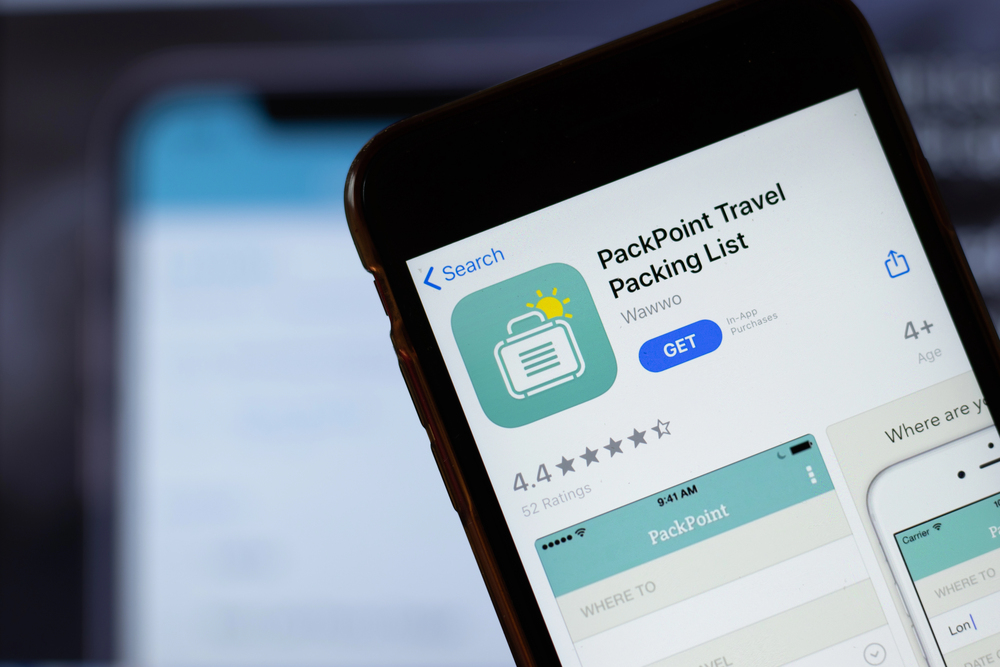
Packing feels personal until you forget underwear or pack three winter coats for a beach trip. PackPoint builds packing lists based on where you’re going, how long you’ll be there, and what you plan to do.
The app considers weather, trip length, and activities, then suggests what to bring. It remembers that business trips need different clothes than hiking trips, and that laundry availability changes everything.
You can customize the suggestions, but the defaults work for most people who just want to avoid packing disasters.
Hopper

Flight prices change more often than weather forecasts and with less predictable patterns. Hopper watches specific routes for months, learning when prices typically rise and fall, then predicts the best time to buy.
The app claims it can forecast price changes up to a year in advance. Whether that’s true or clever marketing, it does catch price drops reliably enough that people trust it with expensive international flights.
Set up price alerts and let the app watch flights while you do other things.
Google Travel

Google Travel organizes your reservations and saved places into trip plans, so you don’t have to. Thanks to Gmail for scanning your confirmation emails.
Google Travel organizes that information into actual itineraries without you typing anything.
The app groups reservations by trip, stores confirmation numbers, and works offline when you need to show boarding passes or hotel vouchers. It suggests nearby attractions based on your location, though the suggestions lean heavily toward tourist traps.
The real value is having all your travel documents in one place that doesn’t require internet access.
WiFi Map
Hotel WiFi passwords are usually printed on cards that immediately get lost. Coffee shop WiFi requires ordering something first.
WiFi Map shows nearby networks with passwords that other users have shared.
The concept sounds sketchy, but it works surprisingly often in tourist areas where hundreds of travelers have contributed passwords. The app works offline after downloading local network data, so you can find internet access even when you don’t have internet access.
The irony is intentional.
TripIt

Email confirmations scatter across your inbox like evidence of poor planning. TripIt reads those emails and builds coherent itineraries automatically.
Forward confirmation emails to TripIt and watch them turn into organized travel plans with maps, contact information, and timing details. The pro version tracks flight delays and gate changes, sending alerts before the airport displays update.
For people who book complex trips with multiple flights, hotels, and rental cars, TripIt prevents the kind of organizational failures that ruin vacations.
Uber or Lyft

Taxi negotiations in foreign countries involve pointing at maps, showing written addresses, and hoping the driver doesn’t take scenic routes through expensive neighborhoods. Rideshare apps eliminate most of that uncertainty.
The apps work in dozens of countries, show upfront pricing, and handle payment automatically. Your phone’s GPS confirms you’re going to the right place, and surge pricing warnings prevent bill shock.
In cities where Uber and Lyft don’t operate, similar local apps usually exist with identical interfaces.
Currency

ATMs abroad dispense foreign money at fair exchange rates, but finding ATMs that accept your card requires local knowledge. Currency tracks nearby ATMs and shows which networks work with your bank.
The app also calculates ATM fees and foreign transaction charges, helping you minimize the cost of accessing your own money. Some banks reimburse ATM fees worldwide, but only if you use the right machines.
Currency helps find those machines before you need cash desperately.
The apps that actually matter
Download these apps before leaving home, not while standing in a foreign airport with expensive roaming data. Set up offline features during the last WiFi connection you trust.
Most importantly, test everything once before your trip — apps that crash during setup will crash worse when you actually need them.
The best travel apps feel invisible when they work correctly. They solve problems quietly, without requiring you to think about them while navigating unfamiliar places with jet lag and limited battery life.
That’s the real test of whether an app belongs on a traveler’s phone.
More from Travel Pug

- Underrated Italian Towns That Beat the Tourist Crowds
- Las Vegas Tourist Traps to Skip
- Prettiest Towns in Every US State
- 18 passport-free countries for Americans
- Signs Your Cruise Is Not Worth The Cost
Like Travel Pug’s content? Follow us on MSN.